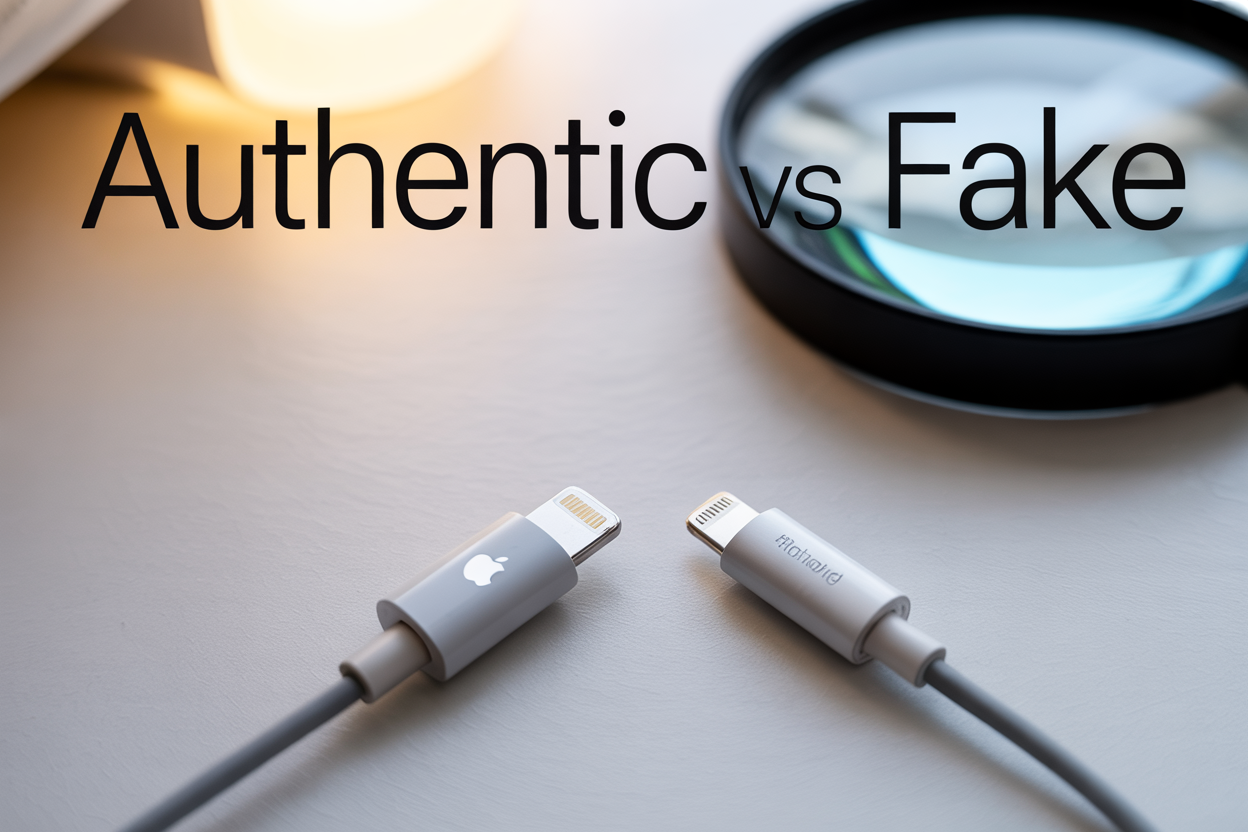
Fake iPhone cables flood the market, putting your device and data at risk. This guide helps iPhone users, tech enthusiasts, and anyone buying Apple accessories learn how to check if an iPhone cable is original before making a purchase or using one you already own.
Counterfeit cables can damage your phone’s battery, cause overheating, or even pose fire hazards. We’ll walk you through proven physical inspection methods to spot authentic Apple cables and show you how to verify genuine Apple packaging and documentation. You’ll also discover how your iPhone itself can help authenticate cables through built-in digital checks.
Physical Inspection Methods for Authentic Apple Cables
Examine Cable Texture and Material Quality
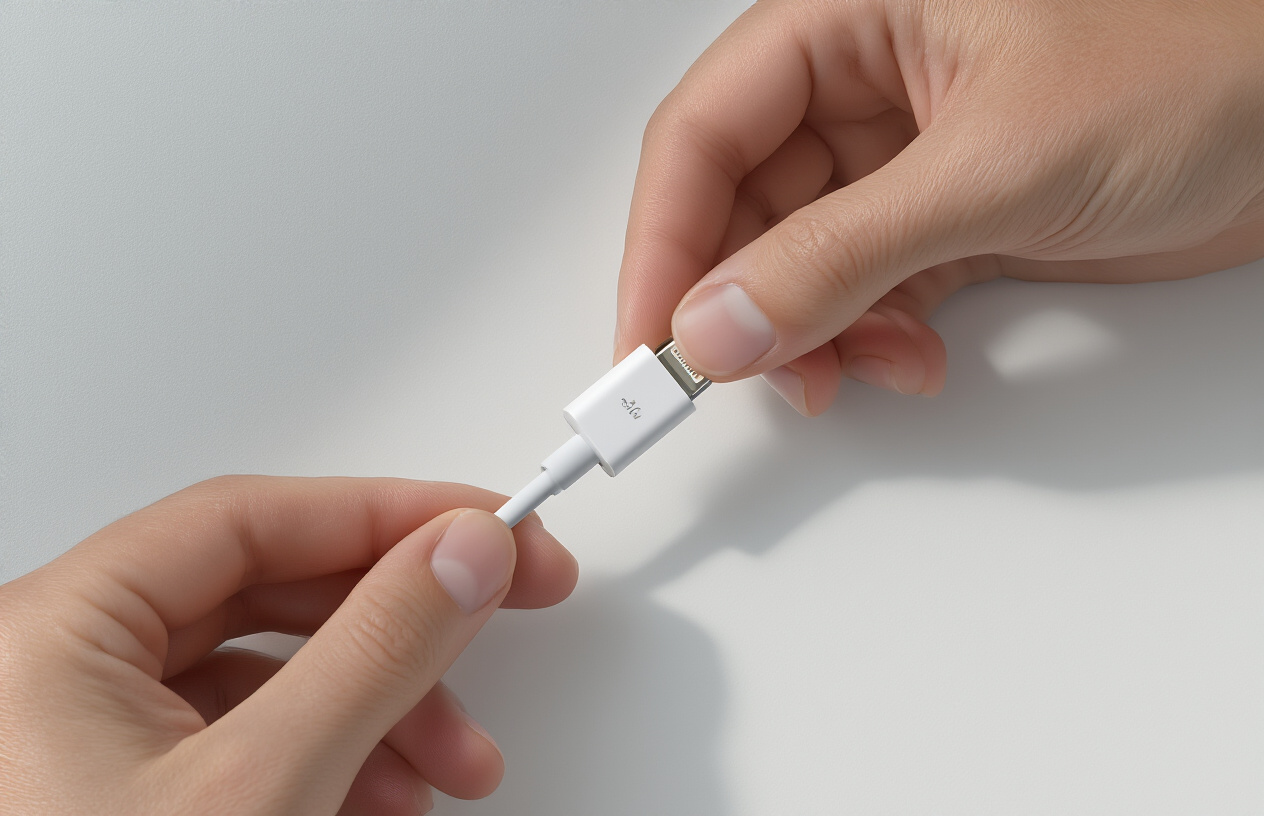
Genuine Apple cables have a distinct feel that sets them apart from cheaper imitations. When you hold an authentic iPhone cable, you’ll notice the outer coating feels smooth yet grippy, made from a high-grade thermoplastic elastomer (TPE) that Apple specially formulates. This material provides durability while maintaining flexibility. Fake cables often use cheaper PVC materials that feel either too slippery or overly rubbery.
The genuine cable’s surface maintains consistent coloring without any blotchy areas or color variations. Apple’s white cables should appear uniformly white without any yellowing or gray tints that commonly appear on counterfeit versions. The material also resists fingerprints and smudges better than knockoff alternatives.
Run your fingers along the entire length of the cable. Authentic Apple cables maintain consistent thickness and smoothness throughout. You shouldn’t feel any bumps, irregularities, or rough patches that might indicate poor manufacturing quality typical of counterfeit products.
Check Connector Finish and Precision
The Lightning connector on a genuine iPhone cable showcases Apple’s attention to manufacturing precision. Examine the metal contacts inside the connector – they should appear perfectly aligned, evenly spaced, and have a consistent gold or silver finish depending on the cable version. Counterfeit cables often have misaligned pins or uneven metallic coatings that may appear dull or tarnished.
Look at the plastic housing around the connector. Genuine Apple connectors fit together seamlessly with no visible gaps, uneven edges, or excess plastic material. The seam lines should be barely noticeable, and the overall finish should feel smooth to the touch.
The USB end deserves equal scrutiny. Authentic Apple USB connectors have sharp, clean edges and precise molding. The metal portion should slide smoothly into ports without wobbling or feeling loose. Fake cables often have rough edges, visible molding marks, or connectors that feel flimsy when plugged in.
Verify Cable Thickness and Flexibility
Apple engineers design their cables with specific thickness requirements that balance durability with portability. An authentic iPhone cable measures approximately 3.0mm in diameter – thick enough to house quality internal components while remaining flexible for daily use. Counterfeit cables are often either too thin (compromising internal wire quality) or unnecessarily thick (using cheap filler materials).
Test the cable’s flexibility by gently bending it at various points. Genuine Apple cables bend smoothly without creating sharp creases or kinks. They spring back to their original shape when released. Poor-quality imitations may feel stiff, create permanent bends, or show stress marks when flexed.
The cable should maintain its flexibility even near the connectors. Many fake cables become rigid close to the ends due to poor internal construction or inadequate strain relief design.
Inspect Strain Relief Design
Apple’s strain relief design represents one of the most distinctive features of genuine cables. The white rubber boot where the cable meets each connector should have a smooth, gradual taper that extends approximately 15-20mm from the connector housing. This design prevents the cable from bending at sharp angles that could damage internal wires.
Authentic strain reliefs feel substantial yet flexible. They should compress slightly when squeezed but return to their original shape immediately. The material matches the cable’s outer coating in both color and texture, creating a seamless transition.
Counterfeit cables often have poorly designed strain reliefs that are either too short, too rigid, or made from different materials that don’t match the cable. Some fake versions have strain reliefs that feel hollow or collapse easily when pressed, indicating inferior construction that won’t protect the cable’s internal components during regular use.
Apple Packaging and Documentation Verification
Authenticate official Apple packaging design
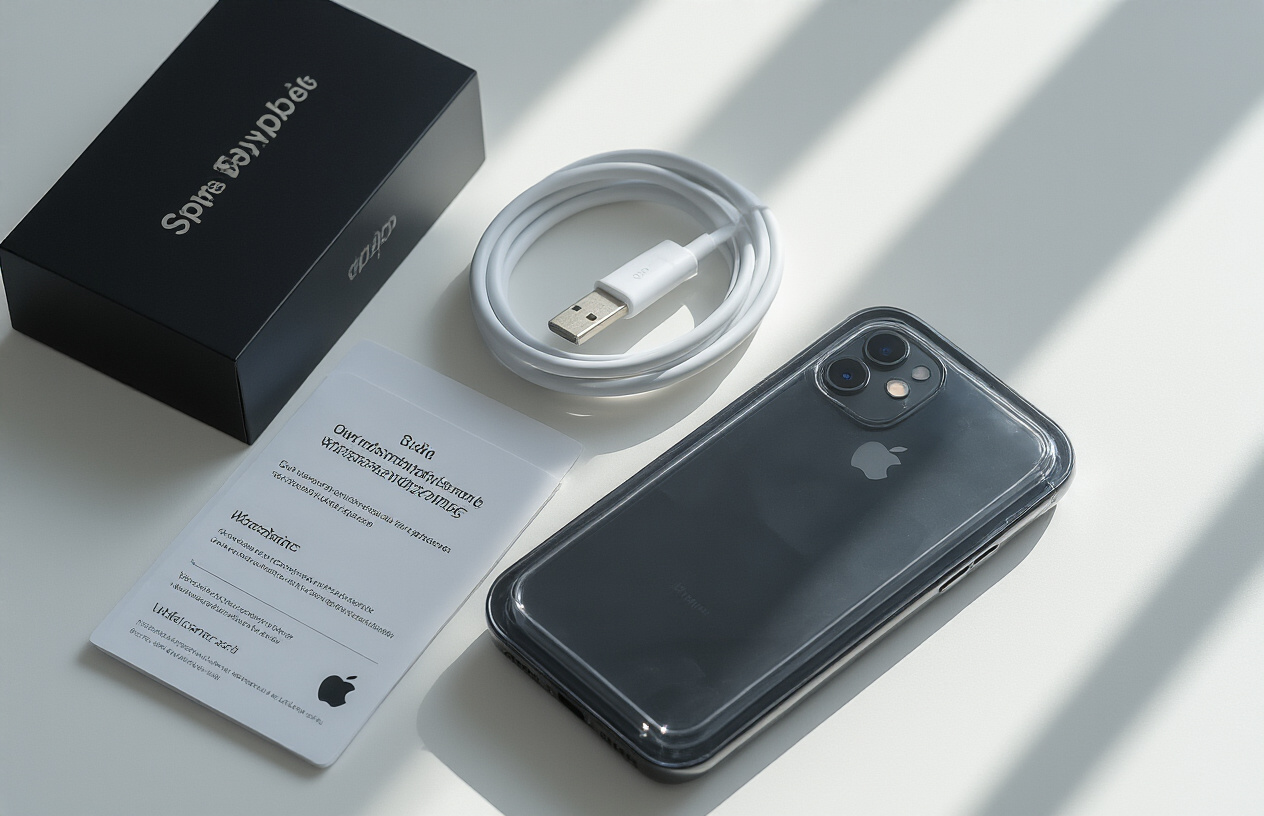
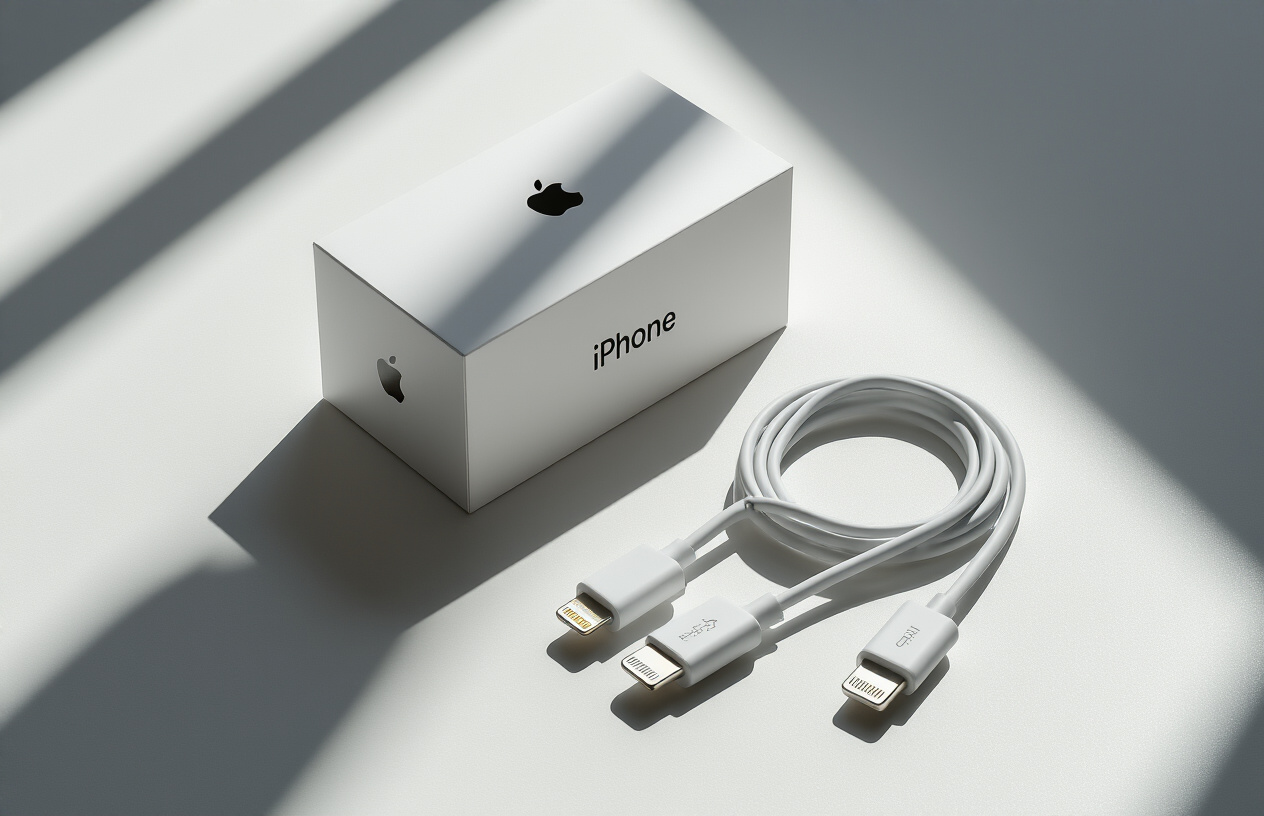
Apple puts serious effort into their packaging design, and counterfeiters struggle to replicate every detail perfectly. Genuine Apple iPhone cable packaging features a distinctive white box with clean, minimalist aesthetics. The Apple logo appears crisp and perfectly centered, with no fuzzy edges or color inconsistencies.
Real Apple packaging uses high-quality cardboard with a smooth, premium feel. The corners are precisely cut and aligned, while fake packages often show rough edges or uneven seams. The color should be pure white without any yellowish tint that might indicate lower-quality materials.
Pay attention to the typography on the package. Apple uses specific fonts consistently across all products. Authentic packaging displays product names and specifications in perfectly aligned text with proper spacing. Counterfeit packages frequently contain spelling errors, awkward translations, or fonts that don’t match Apple’s standard typography.
The package dimensions matter too. Genuine Apple cable boxes maintain consistent sizing across production batches. If you’ve seen authentic Apple packaging before, trust your instincts about proportions that seem off.
Verify included documentation and inserts
Opening a genuine Apple iPhone cable package reveals specific documentation that counterfeiters often overlook or replicate poorly. Authentic packages include safety warnings printed on high-quality paper with sharp, clear text. These warnings appear in multiple languages with precise translations.
Apple includes regulatory symbols and certification marks that must meet strict standards. Look for the CE marking, FCC ID, and other region-specific certifications. These symbols should appear crisp and properly formatted, not blurry or misaligned like those found on counterfeit products.
The documentation inside genuine Apple packages uses consistent paper quality throughout. Warning labels and instruction cards feel substantial, not flimsy like cheap photocopies. Text alignment remains perfect, with no crooked printing or smudged ink.
Apple also includes specific recycling information and environmental notices. These documents contain detailed information about proper disposal methods and Apple’s environmental commitments. Fake packages either skip this documentation entirely or include generic environmental statements that lack Apple’s specific language and formatting.
Check barcode and serial number placement
Authentic Apple iPhone cable packages feature barcodes and serial numbers positioned exactly where Apple intended. The barcode appears on a specific location of the package, typically on the bottom or back panel, printed clearly with proper contrast between bars and spaces.
Serial numbers on genuine packages follow Apple’s specific formatting conventions. Each character appears clearly readable, with consistent font sizing and spacing. The serial number connects to Apple’s database, allowing verification through official channels.
Examine the printing quality of these identifiers closely. Genuine Apple barcodes scan cleanly without errors, while counterfeit versions often contain printing flaws that prevent proper scanning. The numbers should align perfectly within their designated spaces without overlapping borders or text.
Apple places these identifiers using precise positioning that remains consistent across production runs. If the barcode or serial number appears crooked, poorly aligned, or in an unusual location compared to other Apple products you’ve seen, consider this a red flag. Counterfeiters often struggle to match Apple’s exact placement specifications, resulting in identifiers that look “almost right” but miss subtle positioning details that authentic packages get exactly right every time.
Digital Authentication Through Apple Devices
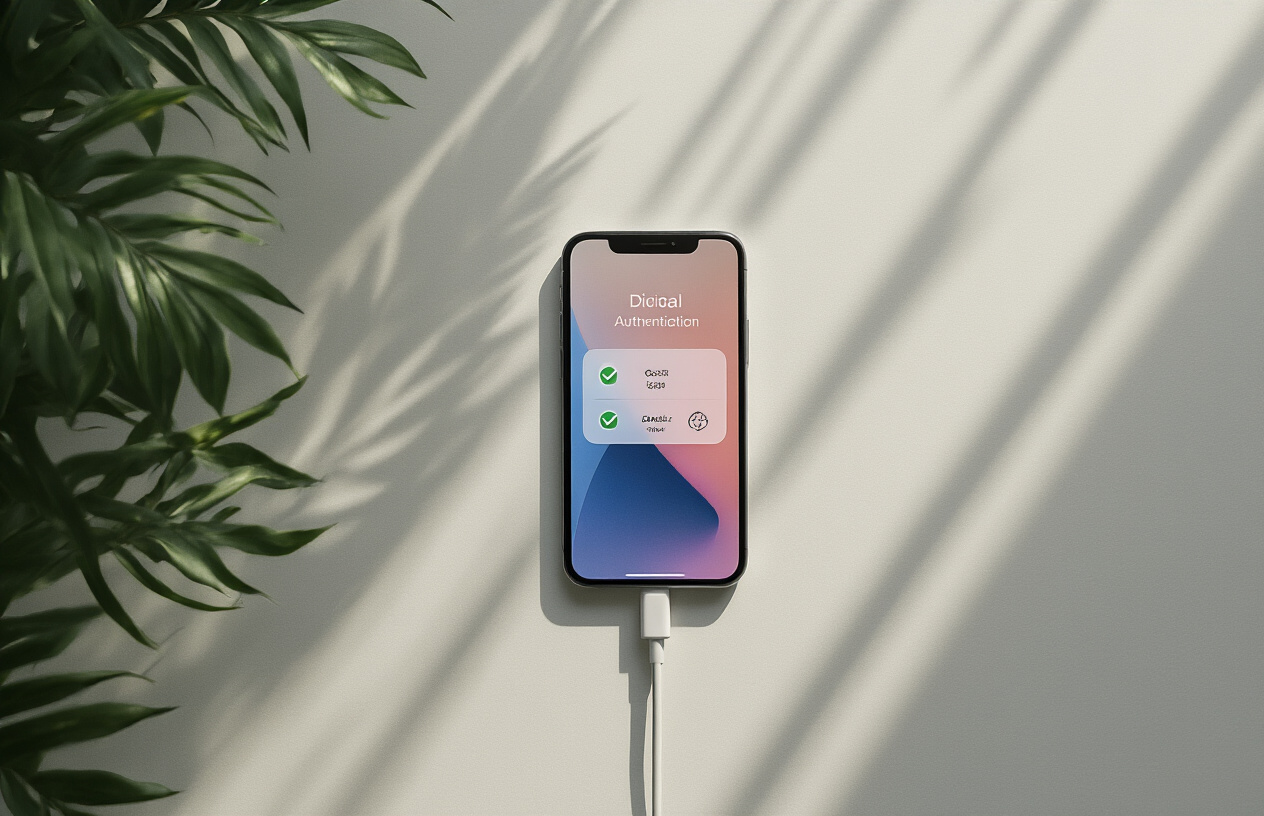
Test iOS pop-up notifications for certified accessories
Your iPhone cable undergoes automatic verification every time you plug it in. Apple’s iOS system runs built-in authentication protocols that instantly recognize genuine accessories and flag potential counterfeits. When you connect an authentic iPhone cable, the device communicates directly with the Lightning connector’s authentication chip, confirming its legitimacy within seconds.
Genuine cables typically connect silently without any warning messages. Your iPhone simply begins charging or syncing data seamlessly. However, counterfeit cables often trigger immediate pop-up notifications that read “This accessory may not be supported” or “This cable or accessory is not certified and may not work reliably with this iPhone.” These warnings appear because fake cables lack Apple’s proprietary authentication chips or contain incorrect digital signatures.
The timing of these notifications matters significantly. Authentic cables that have been damaged or worn might occasionally display warnings, but these typically appear after months or years of heavy use. Counterfeit cables often show these messages immediately upon first connection or inconsistently during regular use.
Some sophisticated counterfeits attempt to bypass these security measures by including cloned authentication chips. However, Apple regularly updates iOS security protocols, making these fake chips increasingly ineffective. Recent iOS versions have become particularly aggressive at detecting unauthorized accessories, even those that previously passed authentication checks.
Monitor charging speed and compatibility warnings
Charging performance serves as another reliable indicator of cable authenticity. Genuine iPhone cables support Apple’s full charging specifications, including fast charging capabilities when paired with appropriate power adapters. Your device should charge at optimal speeds without generating excessive heat or triggering thermal protection mechanisms.
Authentic cables maintain consistent charging speeds throughout their lifespan, barring physical damage. You can monitor charging rates through your iPhone’s Battery settings, which display charging patterns and speeds over time. Counterfeit cables often exhibit erratic charging behavior, alternating between fast and slow charging speeds without apparent reason.
Pay attention to compatibility warnings that appear in your notification center or settings. Genuine cables rarely trigger temperature warnings during normal use. Fake cables frequently cause overheating issues, prompting iOS to display messages about charging being temporarily disabled due to temperature concerns.
Data transfer speeds also reveal cable authenticity. Original iPhone cables support high-speed data synchronization with iTunes, Photos, and other Apple services. Counterfeit cables often struggle with data transfer, causing sync failures, interrupted transfers, or significantly slower speeds when backing up your device or transferring large files.
Use Settings app to verify accessory authentication
Your iPhone’s Settings app contains hidden verification tools that help confirm cable authenticity. Navigate to Settings > General > About, then scroll down to view connected accessories. Genuine Apple cables appear with proper identification strings and model numbers that match Apple’s official specifications.
The Privacy & Security section also provides insights into accessory authentication. When counterfeit accessories attempt to access your device, iOS logs these events and may display warnings about unverified accessories trying to communicate with your iPhone. These logs help identify problematic cables that pose security risks.
Battery health information becomes particularly valuable when assessing cable quality. Navigate to Settings > Battery > Battery Health & Charging to review your device’s charging patterns. Genuine cables contribute to optimal battery health by delivering consistent power levels and avoiding harmful voltage fluctuations that can degrade battery performance over time.
USB Restricted Mode, found in Settings > Face ID & Passcode (or Touch ID & Passcode), affects how your iPhone cable interacts with your device. Authentic cables maintain full functionality even when this security feature is enabled, while counterfeit cables may lose data transfer capabilities or charging functionality when USB Restricted Mode activates after one hour of device lock time.
Key Warning Signs of Counterfeit Cables
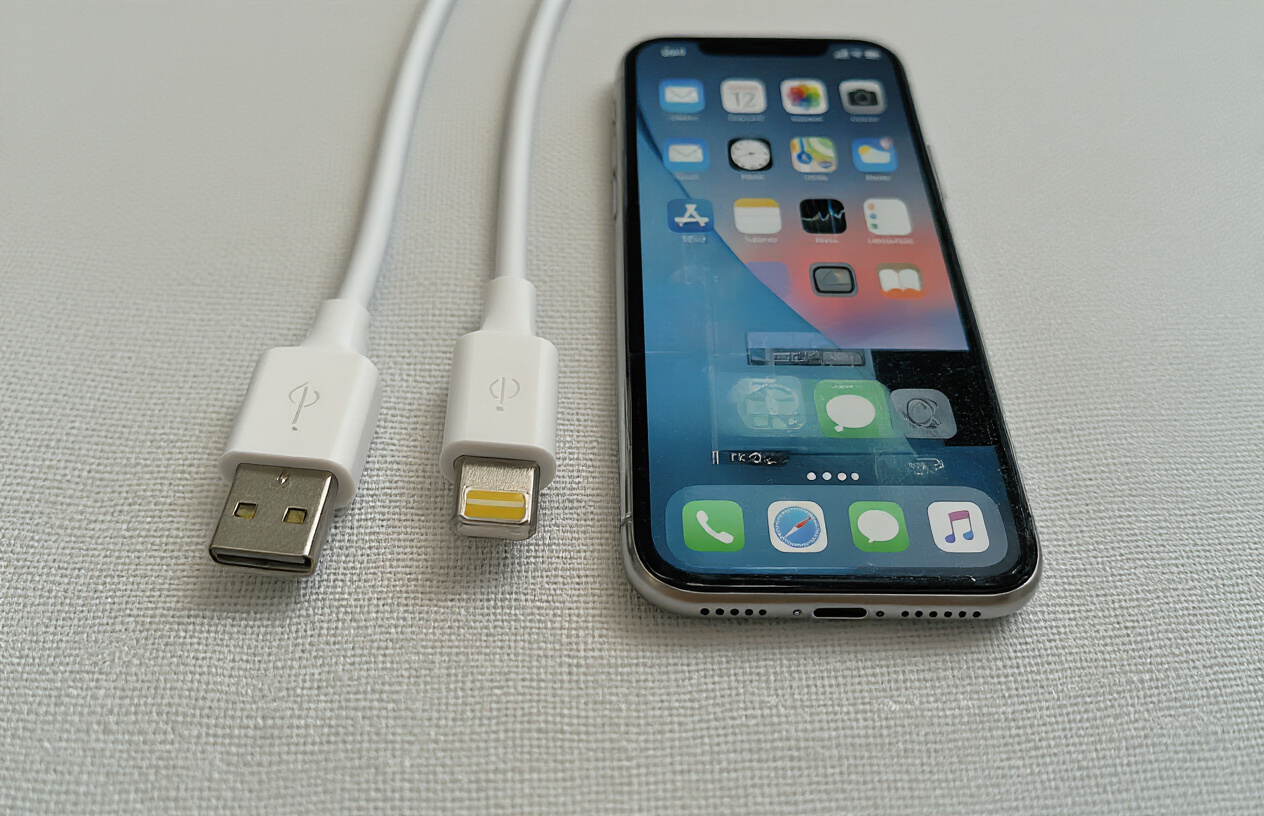
Identify poor build quality indicators
Authentic Apple cables showcase precision engineering that’s immediately noticeable when you hold them. The genuine iPhone cable feels substantial yet flexible, with a smooth matte finish that resists fingerprints and scratches. Counterfeit cables often reveal themselves through their cheap construction materials and sloppy assembly.
Look closely at the connector housing – authentic cables feature seamless plastic molding with no visible parting lines or rough edges. Fake cables typically show obvious seam marks where plastic pieces were joined together, often with excess material or gaps between components. The authentic Lightning connector has a pearl-white or off-white color that’s consistent throughout, while counterfeits may appear stark white or have color variations.
Cable flexibility tells another story. Original Apple cables bend smoothly without kinking, thanks to their reinforced strain relief design. Fake cables often feel either too stiff or overly flimsy, and may develop permanent kinks after minimal use. The authentic cable’s jacket material maintains its shape and doesn’t show stress marks easily.
Check the internal construction by gently flexing the cable near both ends. Genuine cables have robust strain relief that prevents the inner wires from breaking, while counterfeit versions often lack this protection entirely. You might even hear crackling sounds from fake cables when bent, indicating poor wire management inside.
Recognize suspicious pricing and sellers
Price discrepancies serve as major red flags when shopping for iPhone cables. Apple’s official Lightning cables retail for around $19-29 depending on length, and authorized retailers rarely offer significant discounts. When you see cables priced at $3-8, you’re almost certainly looking at counterfeits.
Marketplace sellers offering “bulk deals” or “wholesale prices” to individual consumers should raise immediate suspicion. Legitimate Apple accessories don’t typically appear in discount bundles or flash sales from unknown vendors. Pay special attention to sellers with recently created accounts, limited feedback, or those shipping from overseas locations known for counterfeit production.
Amazon, eBay, and other platforms struggle to control counterfeit listings despite their efforts. Watch for product descriptions using phrases like “OEM,” “Compatible,” or “High Quality” instead of explicitly stating “Apple” or “Genuine.” Sellers may use stock photos of authentic cables while shipping counterfeits, making visual verification impossible until after purchase.
Social media marketplaces and local classifieds present additional risks. Sellers claiming to have “leftover inventory” from retail stores or offering name-brand cables at garage sale prices are typically pushing fakes. Authentic Apple cables don’t flood secondary markets at dramatically reduced prices.
Spot incorrect branding and logos
Apple maintains strict brand consistency across all products and accessories. The authentic Lightning connector displays “Designed by Apple in California” followed by “Assembled in China,” “Assembled in Vietnam,” or similar text indicating the manufacturing location. This text appears in a specific font size and spacing that counterfeiters struggle to replicate accurately.
Examine the Apple logo carefully – it should be crisp, properly proportioned, and centered. Fake cables often feature logos that are too thick, thin, off-center, or printed with inconsistent ink density. Some counterfeits use completely different fonts or even misspell words in the legal text.
The connector’s serial number provides another authentication point. Genuine cables include a 12-character alphanumeric code that begins with specific letter combinations corresponding to production batches. Counterfeit cables may lack serial numbers entirely, use obviously fake codes, or repeat the same number across multiple units.
USB-A connectors on authentic cables bear additional markings that fakes frequently omit or reproduce incorrectly. Look for precise laser etching rather than printed text, which tends to wear off quickly on counterfeit products.
Notice performance and safety issues
Counterfeit iPhone cables present serious safety risks beyond simple inconvenience. These cables often lack proper electrical insulation, current regulation, and surge protection found in genuine Apple products. Users report overheating devices, damaged charging ports, and even fire hazards from poorly constructed fake cables.
Charging performance reveals quality differences immediately. Authentic cables maintain consistent charging speeds and don’t cause devices to repeatedly connect and disconnect during use. Fake cables frequently interrupt charging sessions, display “accessory not supported” warnings, or charge devices extremely slowly despite claiming fast-charging capabilities.
Data transfer reliability suffers dramatically with counterfeit cables. Genuine Apple cables support full USB 2.0 speeds for syncing photos, music, and other files. Fake versions may transfer data intermittently, corrupt files during transfer, or fail to establish stable connections with computers entirely.
Your device’s behavior while connected provides additional clues. Authentic cables maintain steady connections without causing screen flickering, random app crashes, or unexpected restarts. Counterfeit cables often interfere with device operation through poor electrical characteristics or inadequate shielding that allows electromagnetic interference.
Heat generation during normal use signals potential danger. Genuine Apple cables remain cool during standard charging and data transfer operations. If your iPhone cable becomes noticeably warm during light use, discontinue use immediately as this indicates dangerous electrical problems that could damage your device or create fire risks.
Reliable Sources for Purchasing Genuine Apple Cables
Shop through official Apple channels
Apple’s official channels remain the safest bet for getting authentic iphone cable products. The Apple Store app and Apple.com website guarantee genuine products with full warranty coverage. When you buy directly from Apple, you eliminate the risk of counterfeit cables entirely.
Apple retail stores offer hands-on inspection before purchase, allowing you to examine the cable’s build quality firsthand. Store employees can also verify product authenticity and provide guidance on compatible accessories for your specific iPhone model. Online orders from Apple come with detailed order tracking and secure packaging that includes all authentic documentation.
The official Apple ecosystem extends beyond the main website. Apple authorized service providers often stock genuine replacement cables, especially useful when your current iphone cable fails unexpectedly. These locations maintain direct supply chains with Apple, ensuring product authenticity.
Apple’s educational and corporate sales divisions also provide genuine cables at volume discounts. Students, teachers, and business customers can access these channels for authentic accessories while potentially saving money on bulk purchases.
Choose authorized reseller partners
Apple maintains strict partnerships with authorized resellers who must meet specific standards for product handling and customer service. Major electronics retailers like Best Buy, Target, and Amazon (when sold directly by Amazon, not third-party sellers) carry genuine Apple accessories.
These authorized partners receive products directly from Apple’s distribution network, maintaining the same quality standards as Apple stores. They often provide competitive pricing and frequent promotions while guaranteeing authentic products. Many authorized resellers offer price matching policies, allowing you to secure genuine cables at competitive rates.
Carrier stores represent another reliable source for authentic iphone cable accessories. Verizon, AT&T, T-Mobile, and other major carriers stock genuine Apple products to support their iPhone customers. These locations often bundle cables with device purchases or offer replacement guarantees.
International authorized resellers follow the same authentication standards, making them safe choices when traveling or living abroad. Apple’s global partner network ensures consistent product quality across different markets and regions.
Verify third-party seller credentials
When shopping beyond official channels, thorough seller verification becomes critical. Reputable third-party sellers display clear return policies, customer service contact information, and detailed product descriptions that match Apple’s specifications exactly.
Check seller ratings and review history carefully. Established sellers with thousands of positive reviews and high ratings typically maintain better quality standards. Read recent reviews specifically mentioning iphone cable purchases to gauge current product authenticity.
Look for sellers who provide detailed product images showing Apple’s official packaging, including holographic stickers and proper labeling. Genuine sellers often include close-up photos of connector details, cable texture, and packaging materials that match Apple’s standards.
Verify business credentials when possible. Legitimate electronics retailers often display business licenses, manufacturer partnerships, or industry certifications on their websites. Contact seller customer service with specific questions about product authenticity—genuine retailers welcome these inquiries and provide detailed responses.
Price comparison serves as another verification tool. Extremely low prices often indicate counterfeit products, while prices significantly above retail suggest overpricing. Authentic iphone cable prices typically fall within a reasonable range of Apple’s official pricing, allowing for normal retail markup without extreme deviations.
Conclusion
Spotting a genuine iPhone cable doesn’t have to be a guessing game when you know what to look for. Check the physical details like the smooth finish, proper Apple logos, and quality connectors. Don’t forget to examine the packaging for authentic Apple branding and documentation. Your iPhone itself can help too – genuine cables typically work seamlessly without constant connection issues or error messages.
Watch out for red flags like unusually cheap prices, poor build quality, or cables that feel flimsy in your hands. Stick to buying from Apple stores, authorized retailers, or trusted online platforms to avoid getting burned by fakes. Taking a few extra minutes to verify your cable’s authenticity can save you from potential device damage and frustrating charging problems down the road.